هاااااام: تحدير ⚠️

بعد التحديثات الاخيرة  التي تم تنزيلها من قبل شركة سامسونج
ظهرت العديد من المشاكل و هي توقف شاشة اللمس، موت الهاتف، الشاشة سوداء، استنزاف البطارية.

نصيحة لا تمرر اي تحديث حاليا
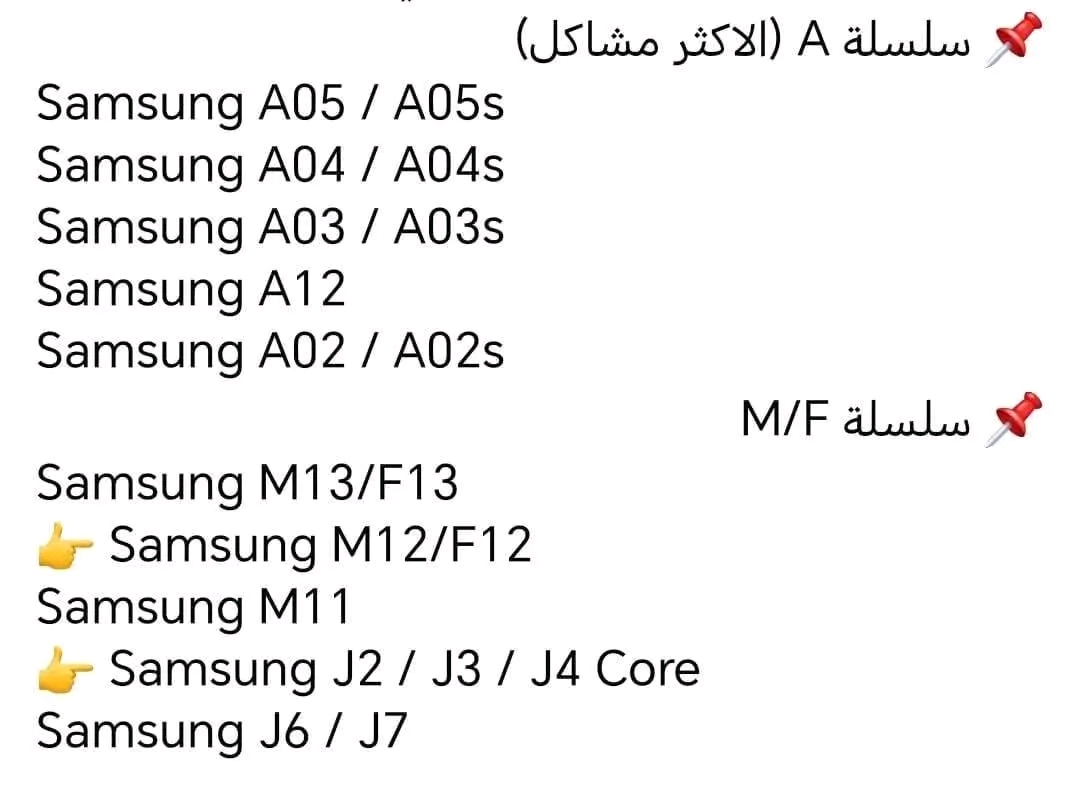
و هذه بعض الاجهزة التي وقعت في المشاكل.


IMPORTANT: Warning ⚠️

After the recent updates released by Samsung, several issues have been reported, including:

Touchscreen not responding

Device freezing or becoming unusable

Black screen

Severe battery drain


Recommendation: Do not install any updates for now.
Here are some of the devices affected by these issues.

OPPO-REALME UNLOCK NETWORK

Realme phones have become some of the most popular smartphones worldwide in recent years, thanks to their powerful features and affordable prices that suit different categories of users. However, some users face an issue known as network lock, where the phone is restricted to a specific carrier or country and cannot be used with other SIM cards. In this case, the user needs what is called network unlocking, a process that removes this restriction and allows the phone to work with any carrier of their choice.


What steps are involved in unlocking ? 

It’s easy to use an unlock code to unlock a REALME device no additional skills

or equipment are needed. Perform the following steps:

  1. Obtain the unique unlock code for your REALME  Here
  2. Remove your device’s original SIM card.
  3. Dial *#*#39326#*#* or *#*#39324#*#* or *#3988691# to open the unlock menu.
  4. A prompt to input the unlock code will now show up.
  5. Enter the unlock code that DZUNLOCKER.COM has provided you.

Enjoy the ease of use and the freedom of your unlocked REALME  device with any SIM card worldwide.


Notes:

  • First, check your phone to see if it is a global version or a Chinese version (*#1234#) =>(cn=china, ex or eu= global).
  • Place order with imei 1 If placed imei 2 you’ll not be refunded.
  • The order cannot be canceled for any reason once it has been placed until it is completed
  • The obtained codes are valid 100% extracted by Realme, and they are non-refundable under all circumstances, regardless of the reason.
By Ridha / Blog / 0 Comments

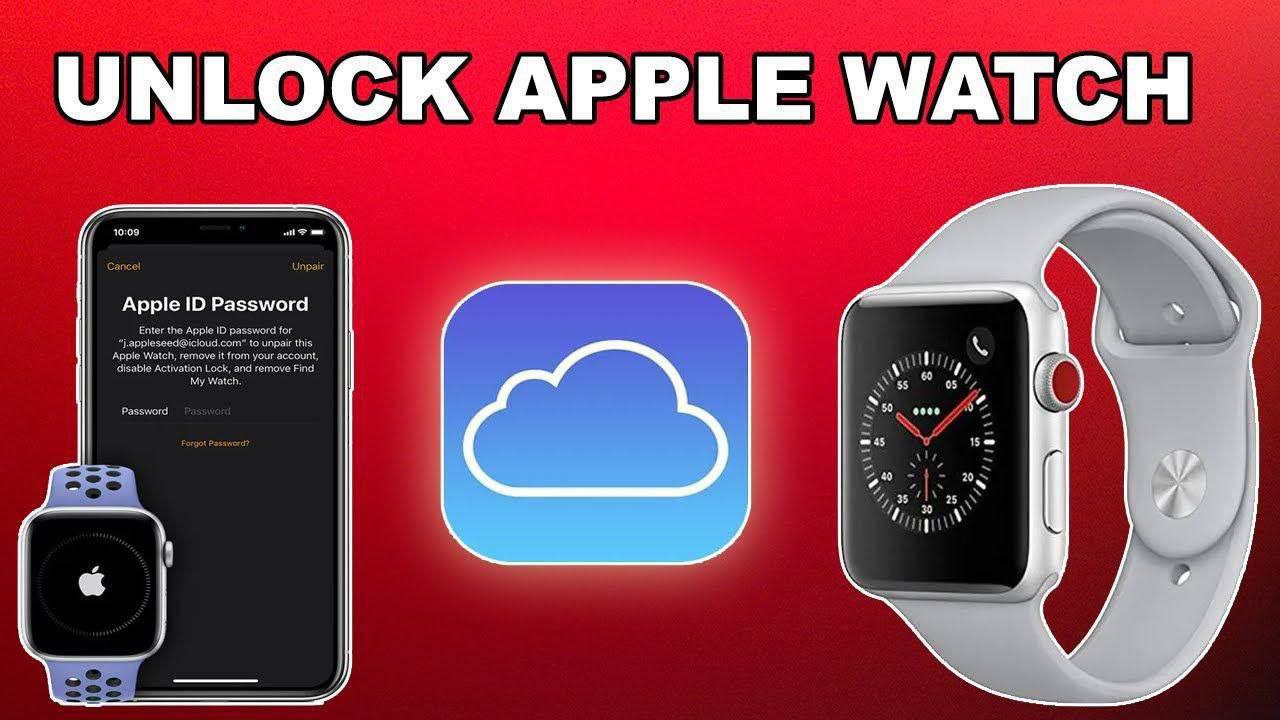
HFZ iWatch Bypass Ramdisk V2.2

⚡️⌚️HFZ iWatch Bypass Ramdisk V2.2


(Without SN Changed For Cellular Models)

⚙️ What’s New :
fixed After Apple new Patch 🔥
-Supported Models : S0/S1/ S2/ S3/ S3Lte

🖇️Link Or Scan QR : https://bit.ly/3xgFbrx

🎥 Watch Now Tutorial Video : https://youtu.be/qsKND_r4b44

🥇Dzunlocker.com🥇

Cart

By Ridha / Blog / 2 Comments

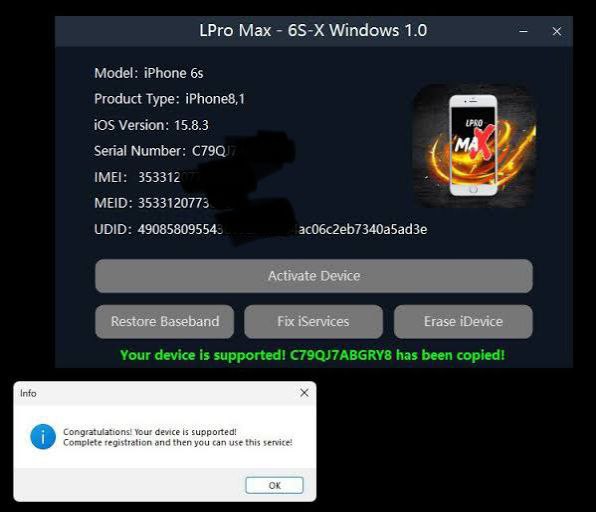
IBYPASS LPRO MAX

✅ LPro Max iCloud Bypass

Instruction:
1. Connect the device to the software
2. If you see that the device is supported, you can place an order
3. Register your device with Serial Number

💻 Dawnload Tool for Windows and MacOS

• Supported models: iPhone 6S up to iPhone X
• Register: Instant

✅ Full Signal
✅ iCloud
✅ Reboot
✅ iMessage
✅ Apple Pay
✅ App Store
✅ Skip Setup
✅ Built-in JB
✅ iOS12-16 Supported
✅ Notifications/FaceTime
✅ Lock OTA & Erase options

Dzunlocker server 💚
🥇Dzunlocker.com 🥇